
Professional Video Editing Tips: Transforming Raw Footage into Masterpieces


Understanding Your Footage
The journey from raw footage to a polished video masterpiece begins with understanding your material. Before diving into the editing process, take time to review all your clips. Identify the key moments, emotions, and narratives that will form the backbone of your final product. This initial review is crucial for setting the direction of your edit.
Organizing Your Assets
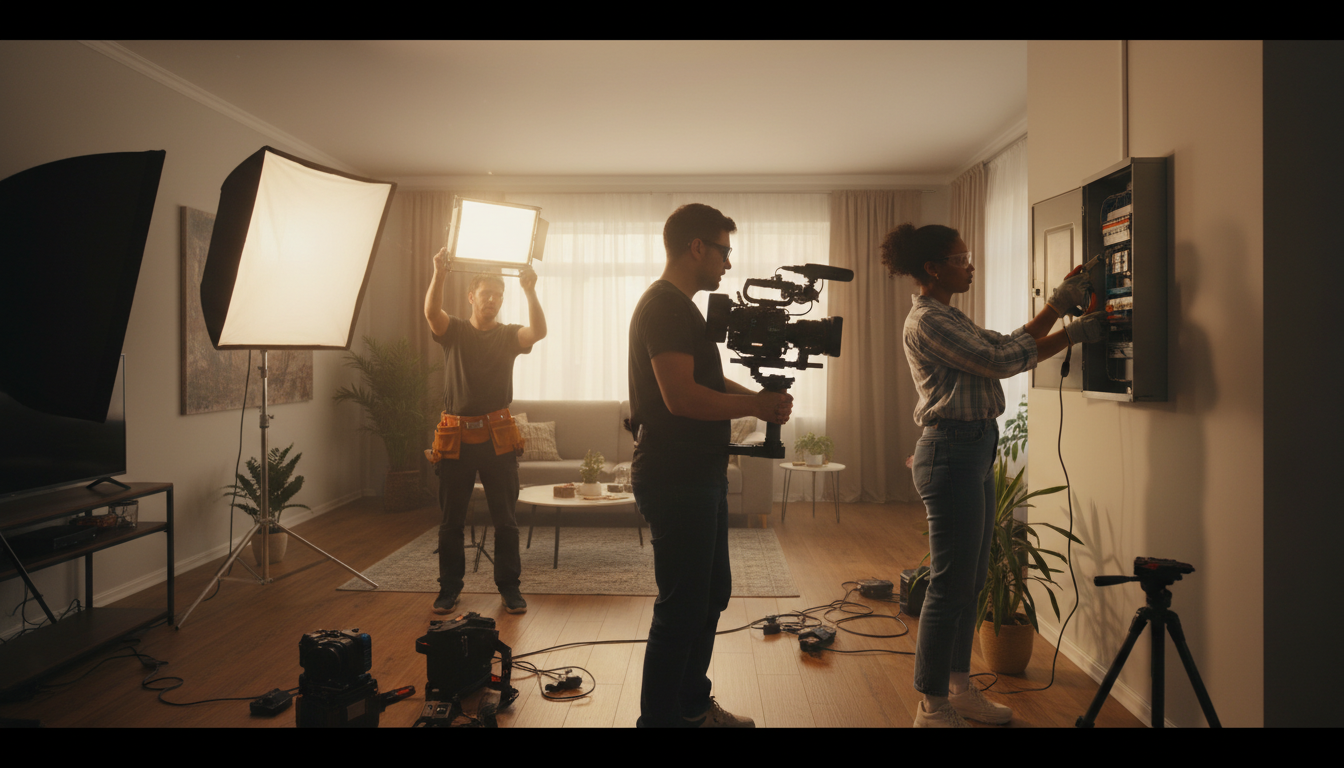
Once you've familiarized yourself with your footage, the next step is organization. Create a structured folder system on your computer to store your clips, audio, and other assets. Use clear naming conventions and sort everything by categories such as scenes, takes, or project phases. This organization will save you time and reduce frustration during the editing process.
The Art of Cutting
Editing is all about making the right cuts. Knowing when to trim and when to let a clip breathe is essential. Start by removing unnecessary footage and focus on maintaining a steady pace that keeps the audience engaged. Remember, sometimes less is more, and a well-timed cut can add more impact than a lengthy sequence.
Enhancing with Visual Effects
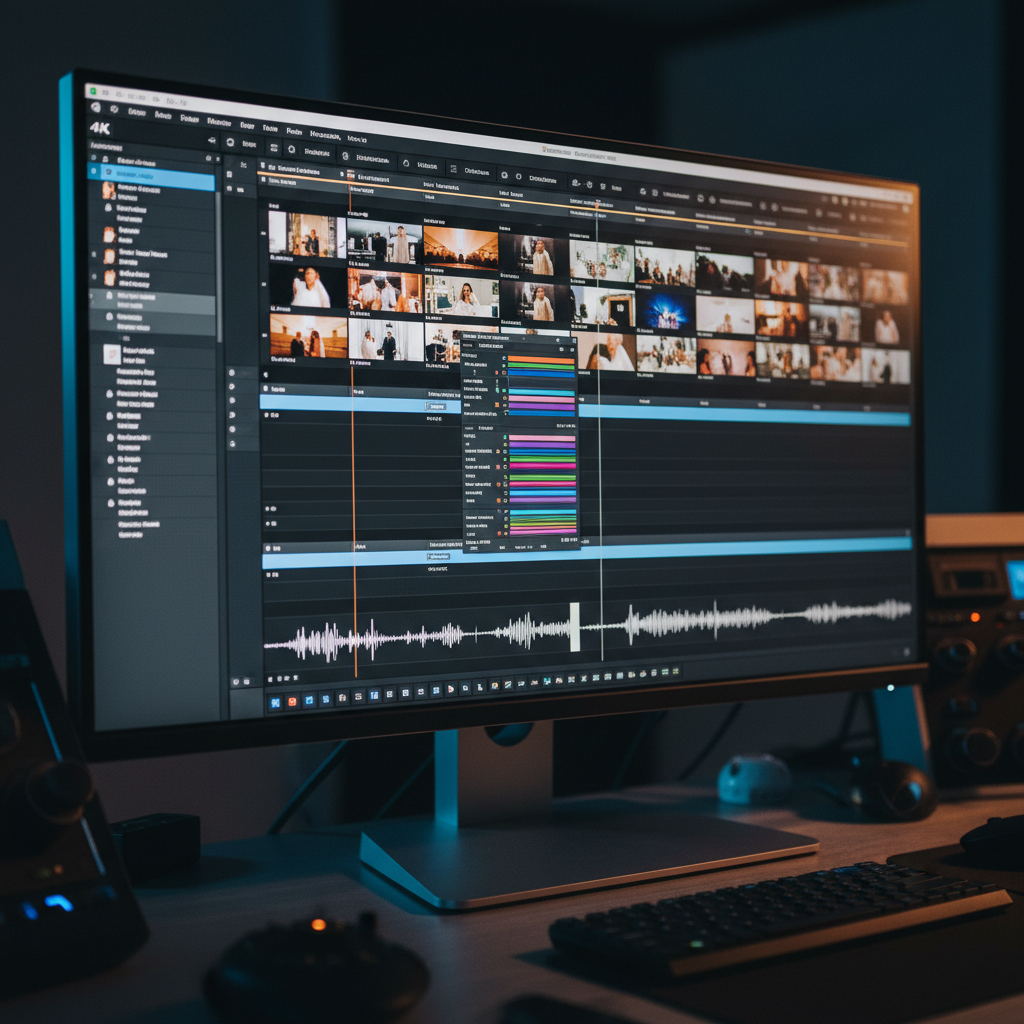
Visual effects can elevate your video to new heights. Subtle effects like color correction and grading can enhance the mood and tone of your footage. Use these tools to create a consistent aesthetic that aligns with your video's theme. However, avoid overdoing it; the effects should complement, not overpower, the content.
Mastering Audio
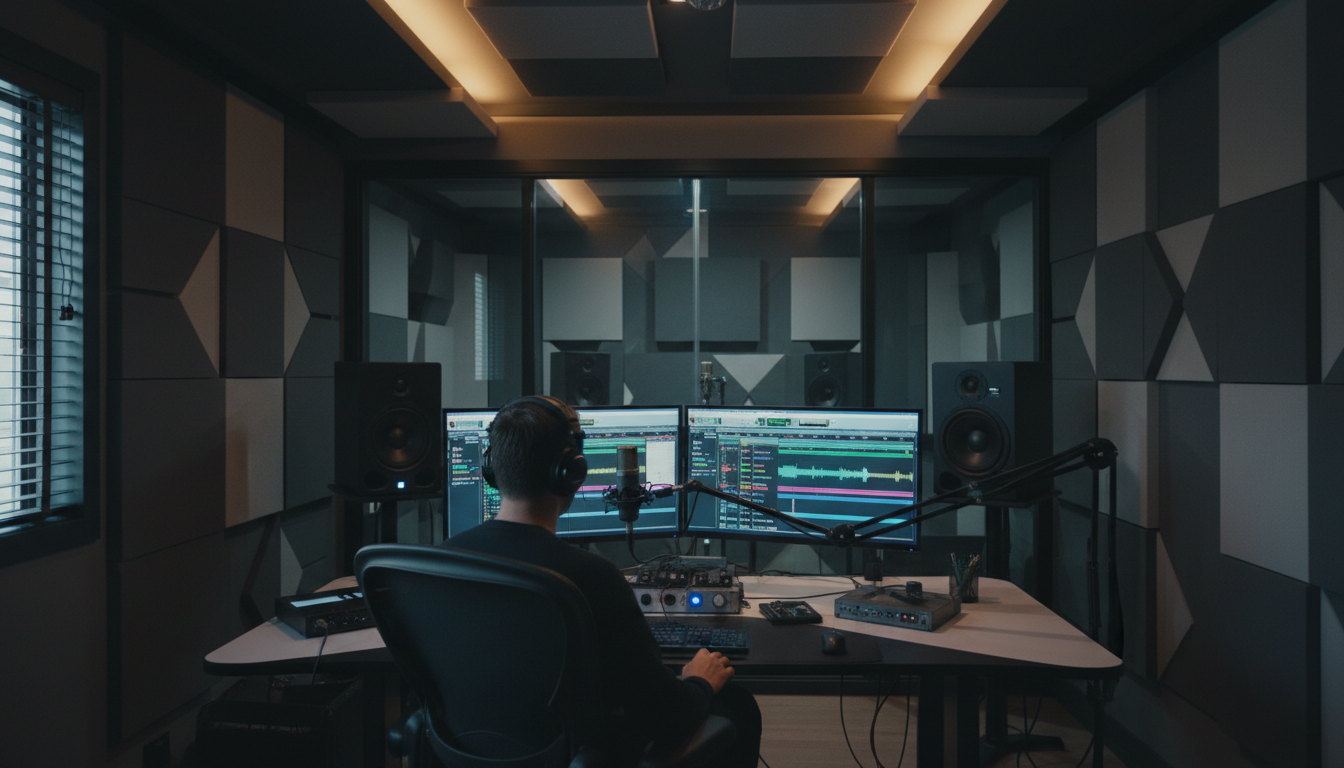
Audio is often overlooked but is equally important in video production. Ensure your audio is clear, balanced, and free from distracting background noise. Incorporate music and sound effects to add depth and emotion. Sync audio precisely with your visuals to create a seamless experience for your audience.
Utilizing Transitions
Transitions can guide your audience smoothly from one scene to the next. Choose transitions that match the pace and style of your video. Simple cuts, fades, and dissolves are often more effective than complex animations. Consistency in transitions helps maintain a professional look throughout your video.
Final Touches and Exporting
After refining your video, it's time for the final touches. Review your edit for any inconsistencies or errors. Make sure all elements are synchronized and flow together naturally. Once satisfied, export your video in the highest quality possible. Consider the platform where it will be shared and adjust settings accordingly to ensure optimal playback.
Continuous Learning and Adaptation
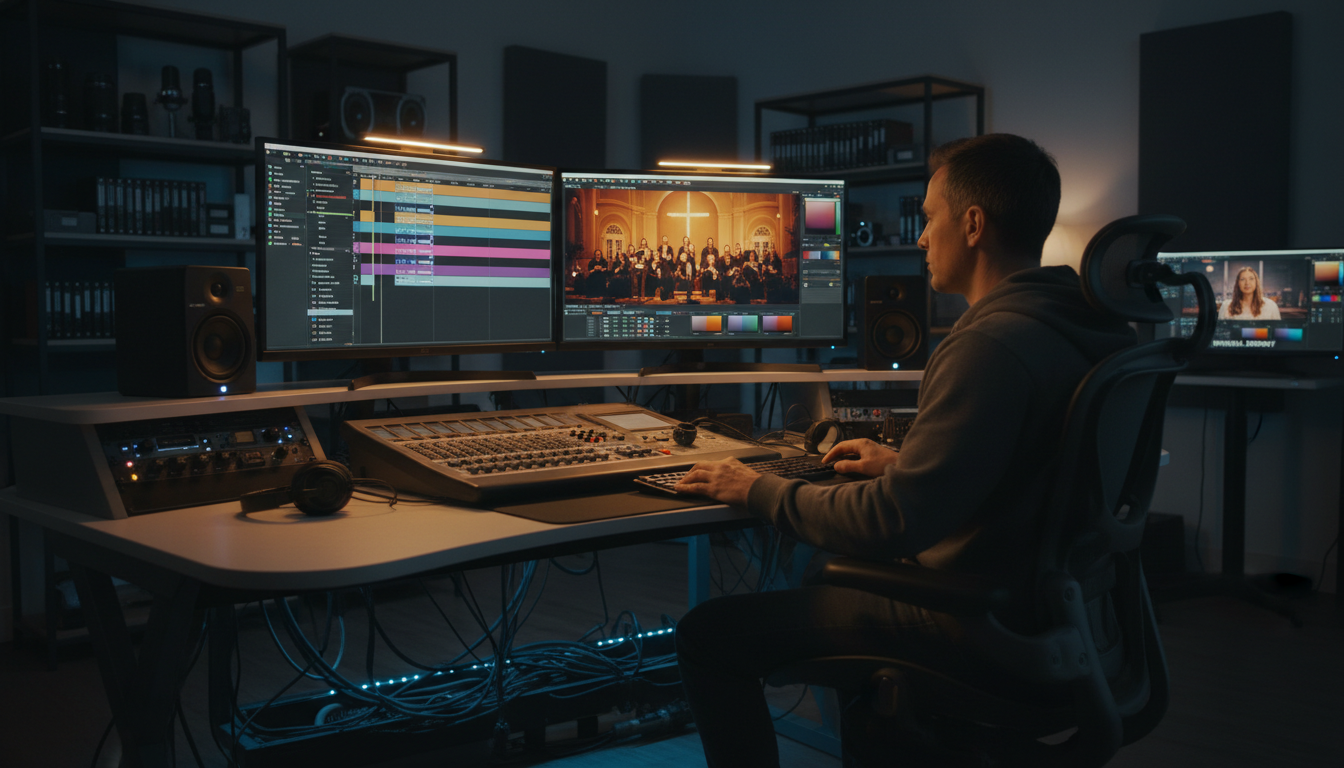
Video editing is a skill that evolves with technology and trends. Stay updated with the latest tools and techniques by engaging with online tutorials and communities. Experiment with new styles and workflows to continually improve your craft. Remember, each project is an opportunity to learn and grow as an editor.