
Creating a Professional Podcast Setup: A Step-by-Step Guide


Creating a professional podcast setup can seem daunting, but with the right approach, you can assemble a high-quality setup that enhances your audio content. Whether you're just starting or looking to upgrade, this guide will walk you through the essential steps.
Choosing the Right Microphone
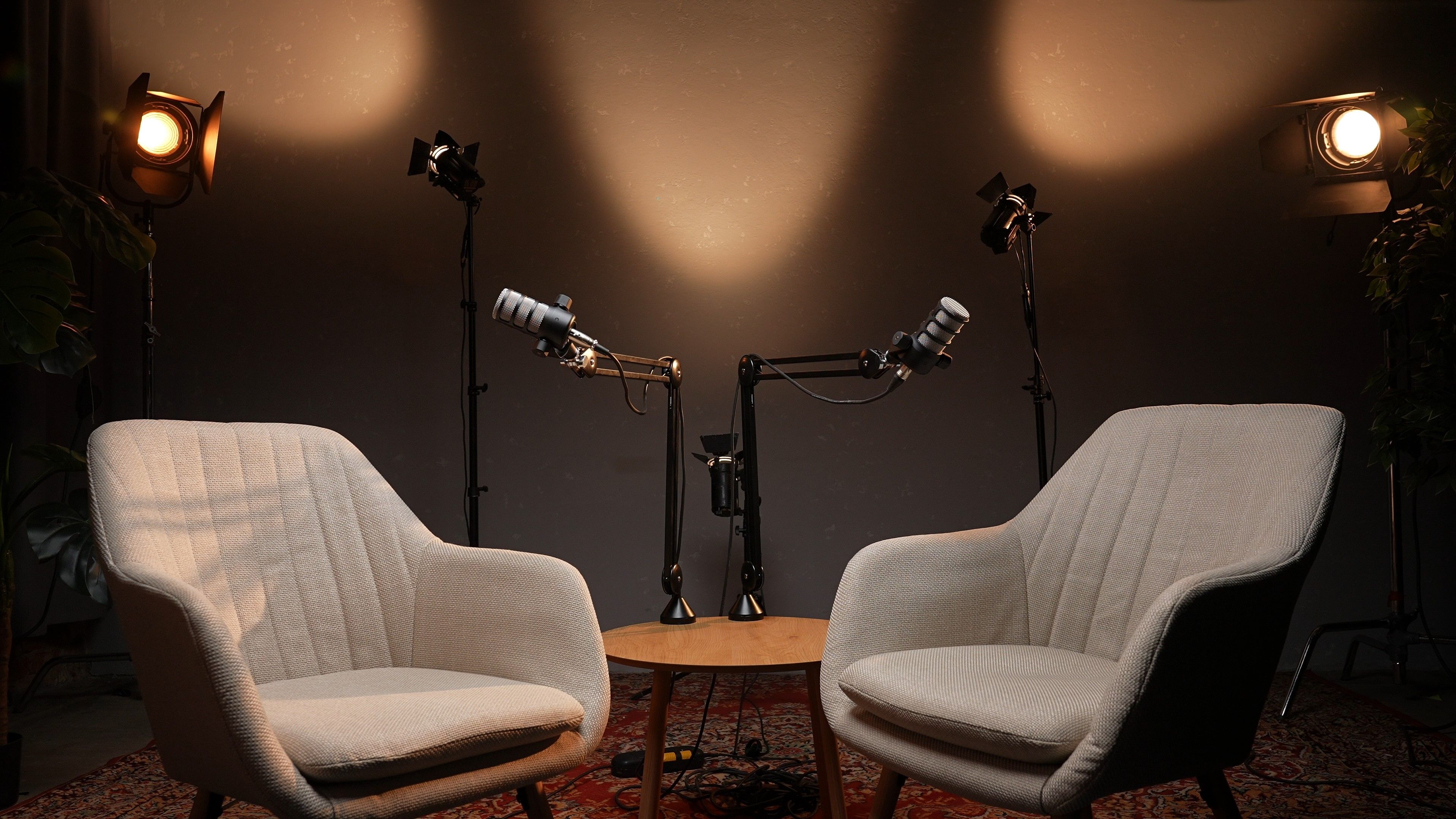
The microphone is arguably the most crucial component of your podcast setup. A good microphone ensures clear audio, reducing background noise and enhancing the listener's experience. There are two main types of microphones to consider:
- Dynamic Microphones: Ideal for noisy environments, these microphones are less sensitive to background noise.
- Condenser Microphones: Known for their wide frequency response, these are perfect for capturing rich, detailed sound.
Investing in Quality Headphones
Wearing headphones while recording your podcast allows you to monitor audio quality in real-time. Look for closed-back headphones to prevent audio leakage, ensuring that your microphone only picks up your voice. Comfort is key, especially for long recording sessions.
Setting Up Your Recording Space
Your recording environment plays a significant role in audio quality. Choose a quiet room with minimal echo. To further improve acoustics, consider adding soundproofing materials like foam panels or heavy curtains. These additions can make a marked difference in your recordings.
Audio Interfaces and Mixers
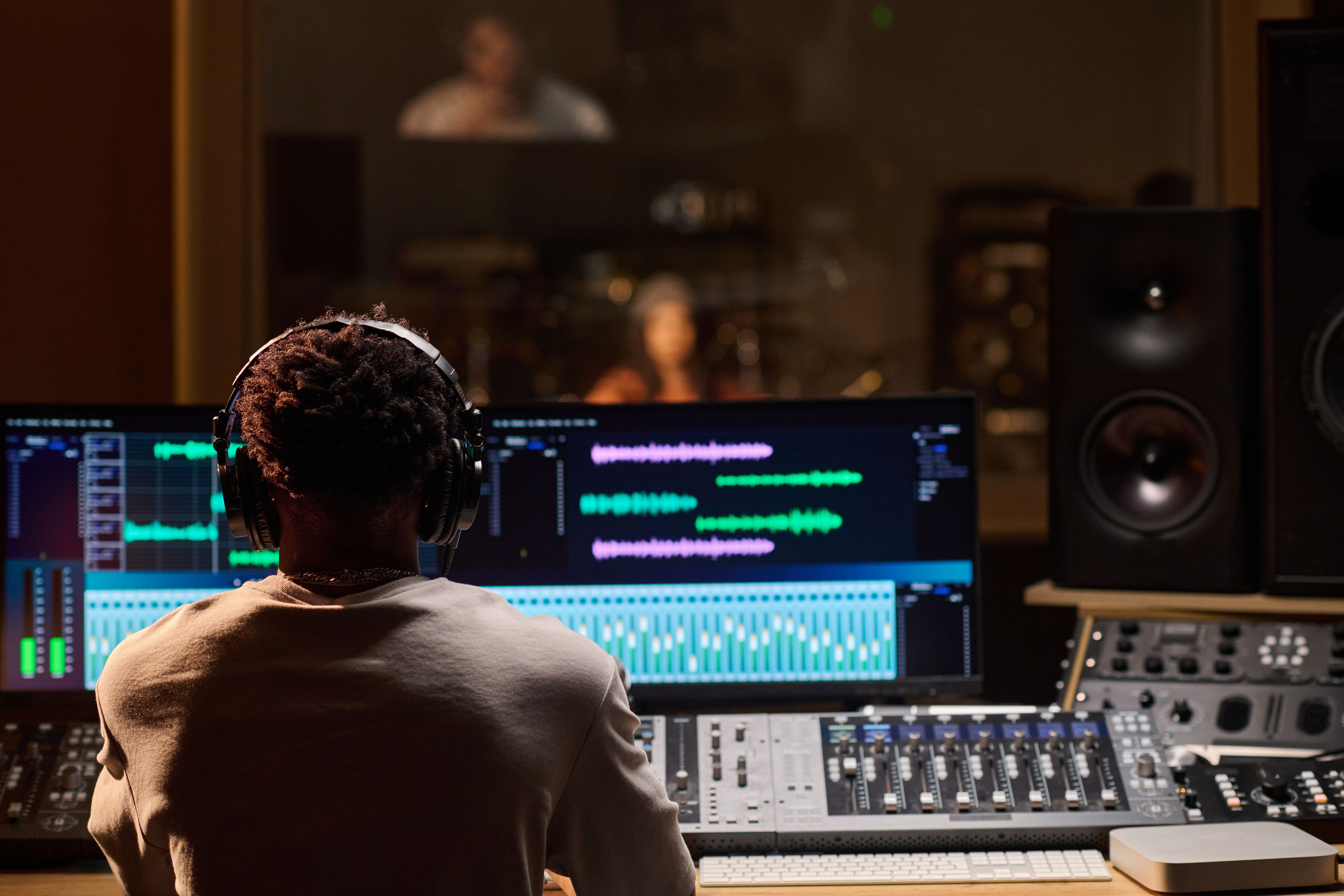
An audio interface connects your microphone to your computer, converting analog signals to digital. For those using multiple microphones, a mixer can be beneficial. It allows you to adjust levels and add effects in real-time, providing greater control over your sound.
Editing Software
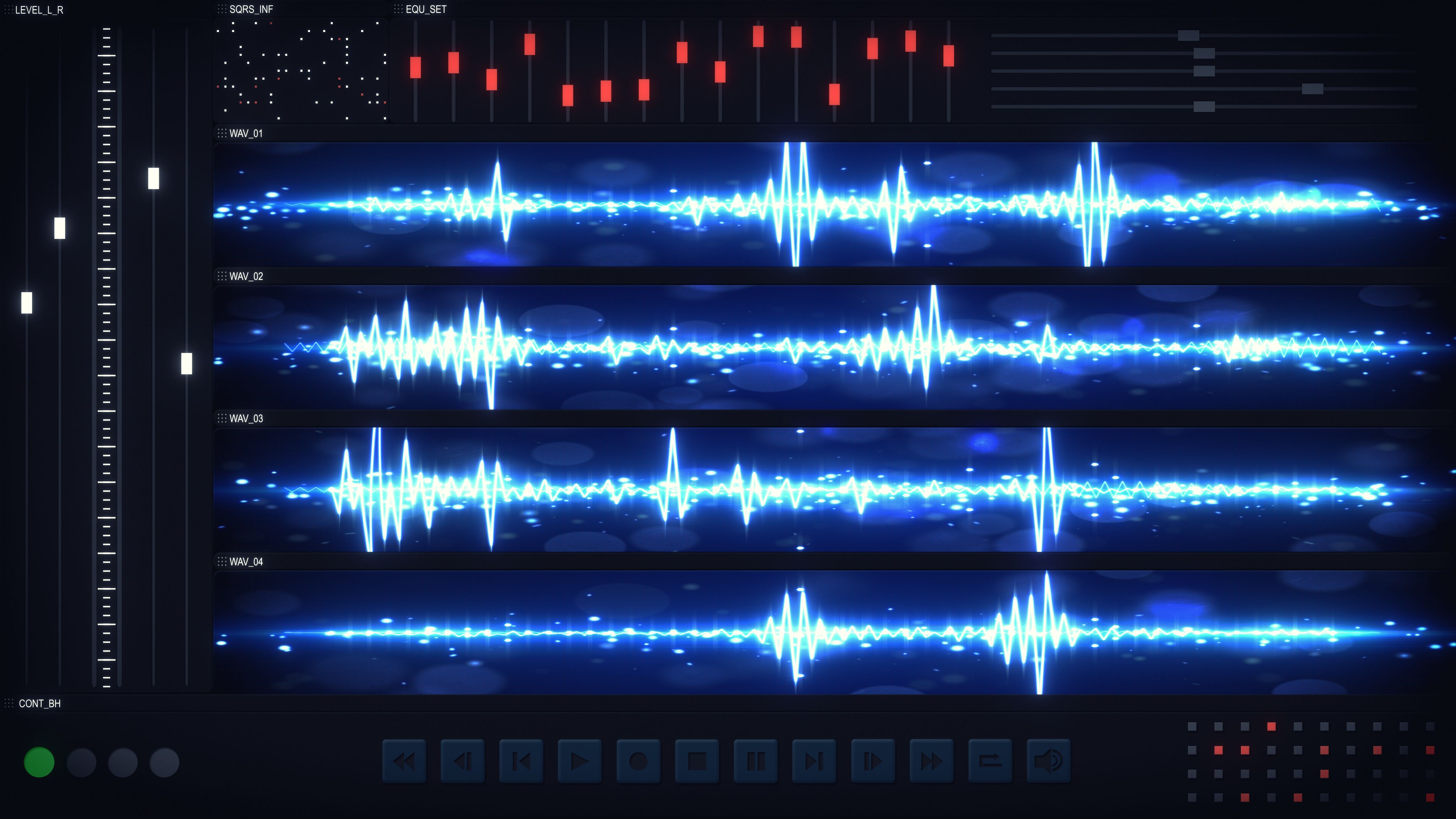
Post-production is where your podcast truly comes to life. Choose editing software that suits your needs and skill level. Options range from free software like Audacity to professional tools like Adobe Audition. Look for features such as noise reduction, equalization, and multi-track editing.
Additional Accessories
To complete your setup, consider investing in a few additional accessories:
- Pop Filters: These reduce plosive sounds, making your voice sound smoother.
- Shock Mounts: These prevent vibrations from affecting your microphone.
- Microphone Stands: Ensure stability and flexibility in positioning your microphone.
Testing and Adjusting
Once your setup is complete, conduct a few test recordings. Listen carefully to identify any issues with sound quality or background noise. Adjust your equipment and environment as needed to achieve the best possible audio.
By following these steps, you can create a professional podcast setup that elevates your content and captivates your audience. With time and practice, you'll refine your process and produce high-quality podcasts that resonate with listeners.